I finally managed to display directly link and display related blog articles in my digital garden, much more robust than the workaround using tags yesterday. Read on for my cookbook implementation.
I found the Kirby cookbook entry for filtering pages before the weekend, but could not work out how to use it. A few hours of playing about with it tonight, and to my shock I now have functioning backlinks working on my stadium pages.
This will be a much more robust than the tag based solution I came up with last night in a couple of scenarios. When I come to backlink mountains from walk pages much earlier in this website, I will be able to much more accurately select the right mountain - particularly where there are several with the same name. Second, when entities change name, or the page structure changes, the link will now be retained, whereas my tag based method would have broken, requiring updating manually.
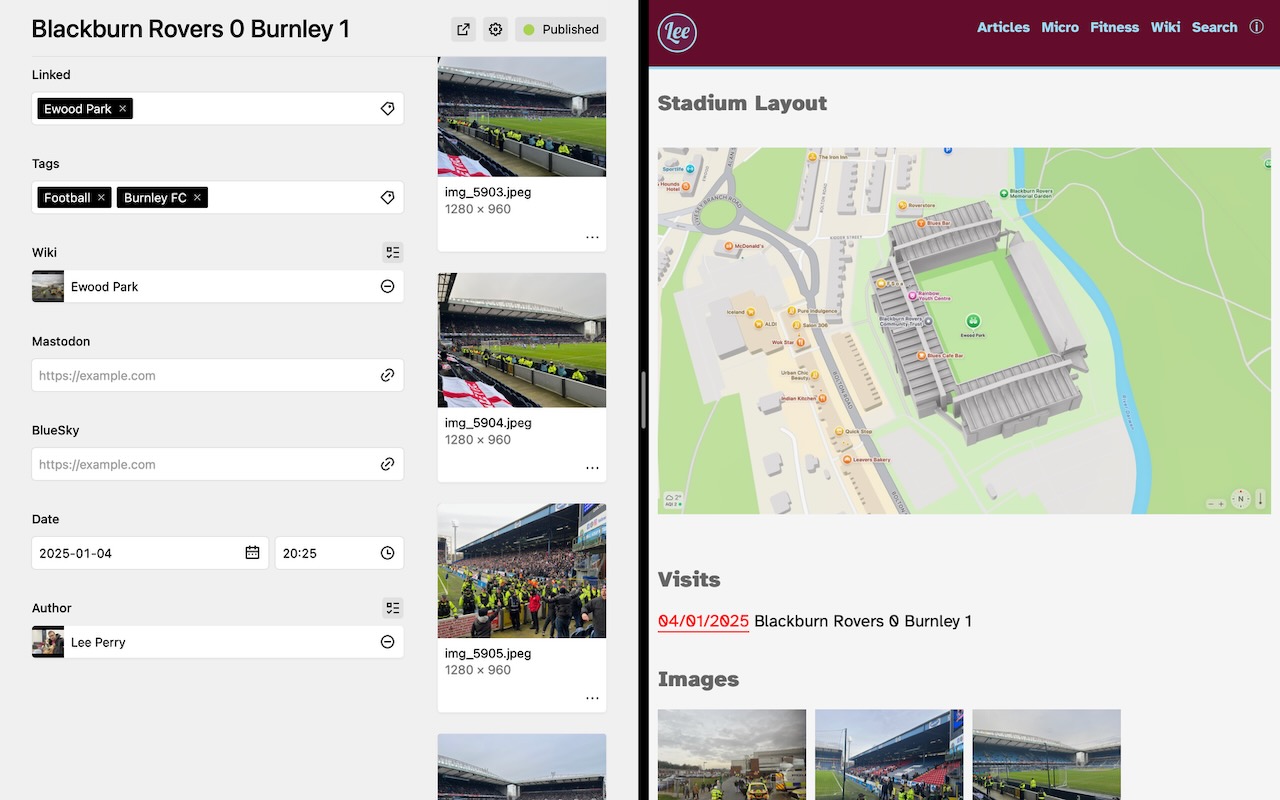
I still have a lot of templating to do, but I think that is the underlying architectural problems unlocked for the next wee while. Below code block shows how I have implemented the CookBook recipe to make the above happen.
<h2>Visits</h2>
<p>
<?php $collection = page('notes')
    ->children()->filter(function($child) use($page) {
    return $child->related()->toPages()->has($page);
    });  ?>

<?php foreach ($collection as $item): ?>
    <a href="<?= $item->url() ?>""><?= $item->date()->toDate('d/m/Y') ?></a> <?= $item->title()->esc() ?><br>
<?php endforeach ?>
</p>| in Web Development Kirby CMS by
 Lee Perry at 🔗
Images




![[Valid RSS]](/valid-rss-rogers.png "Validate my RSS feed")
